

Bangladesh Fundraising Guide and Resources
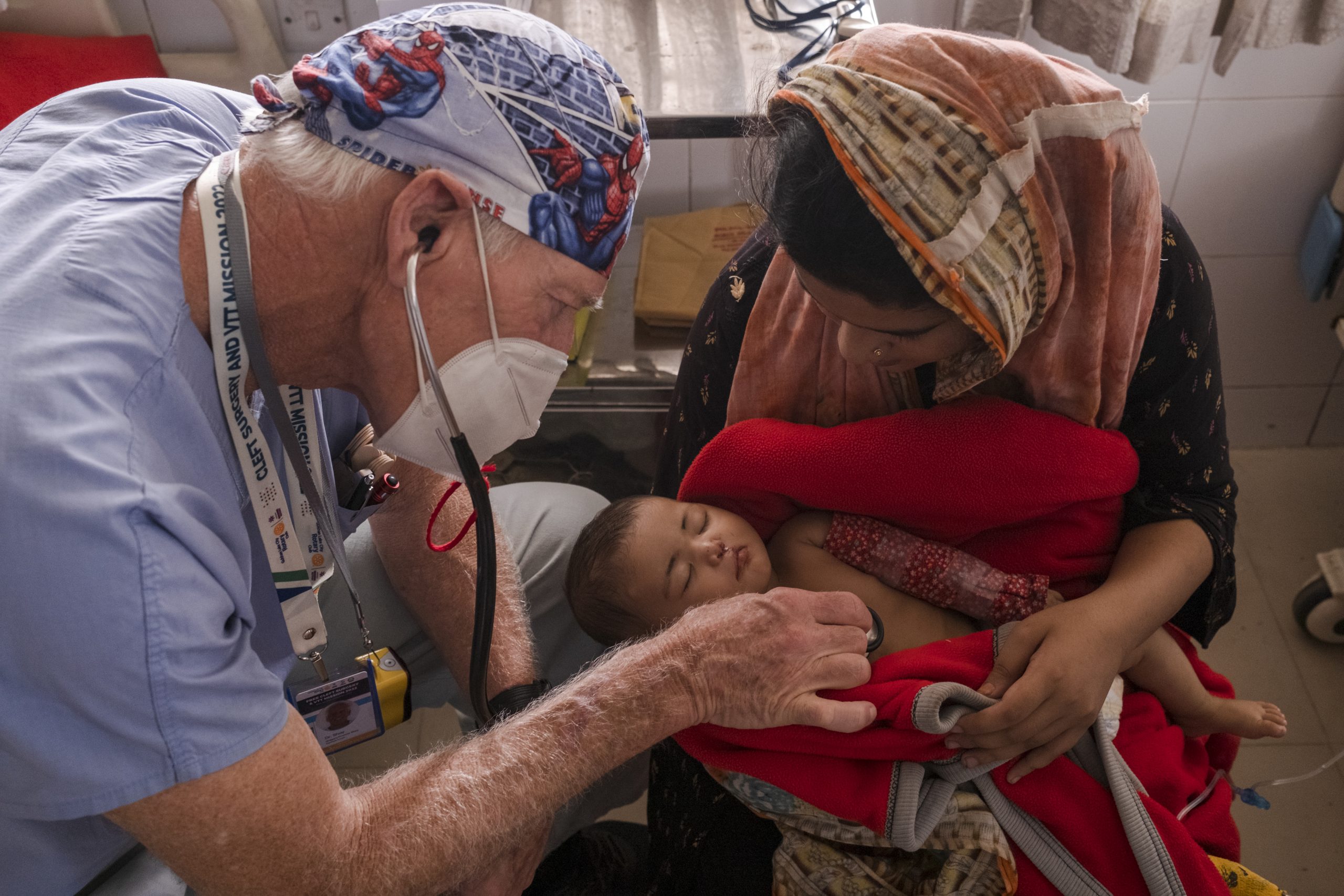
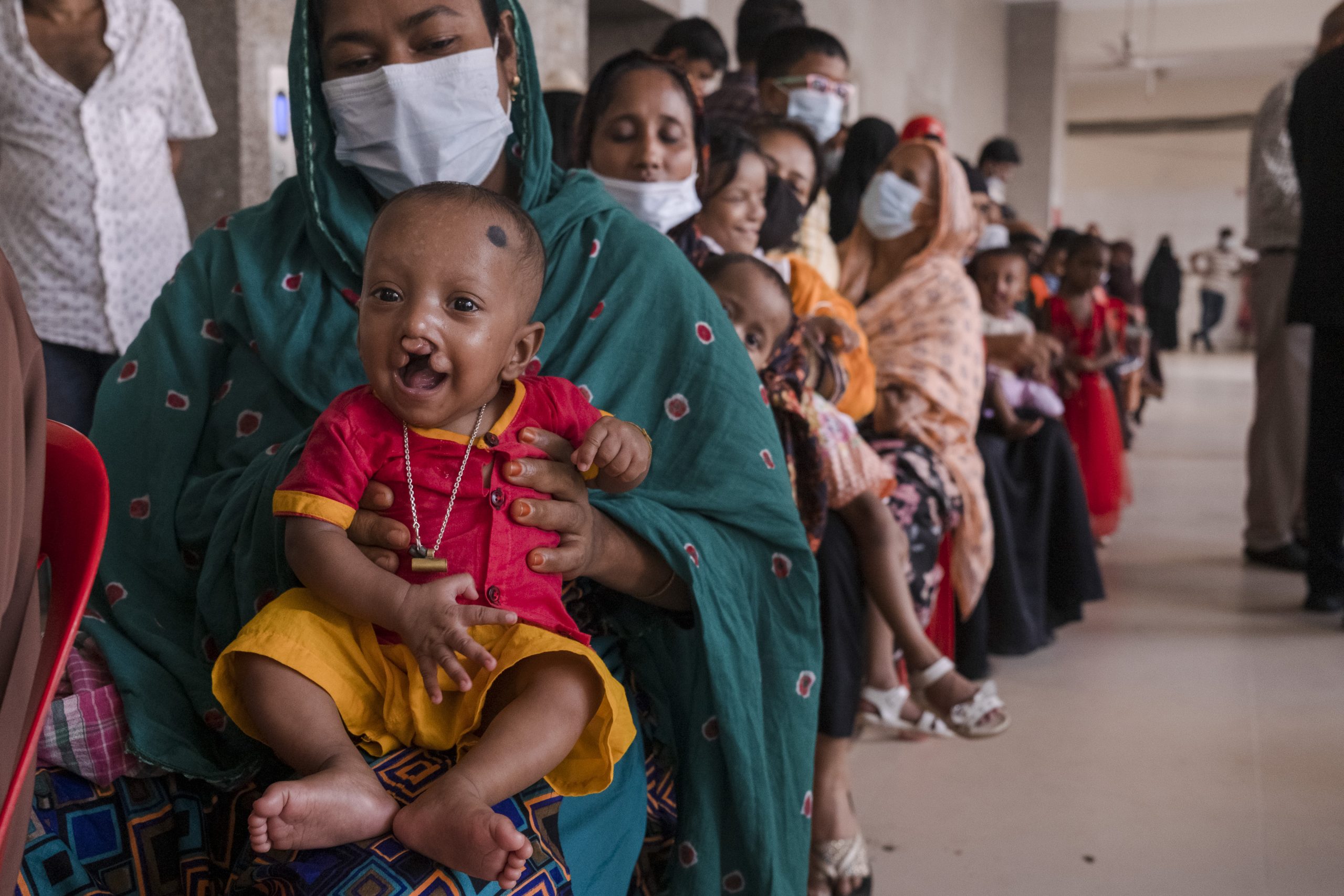
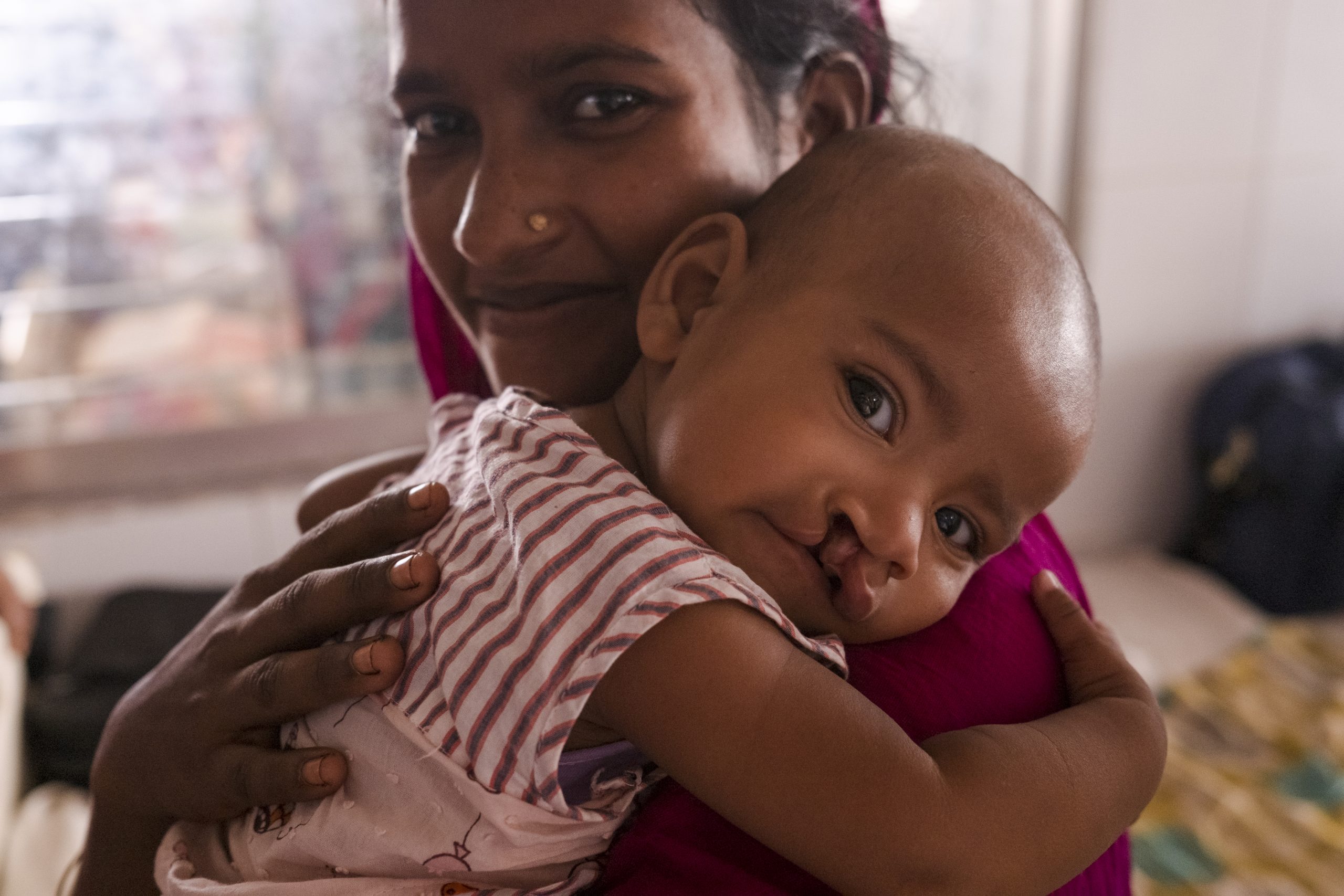
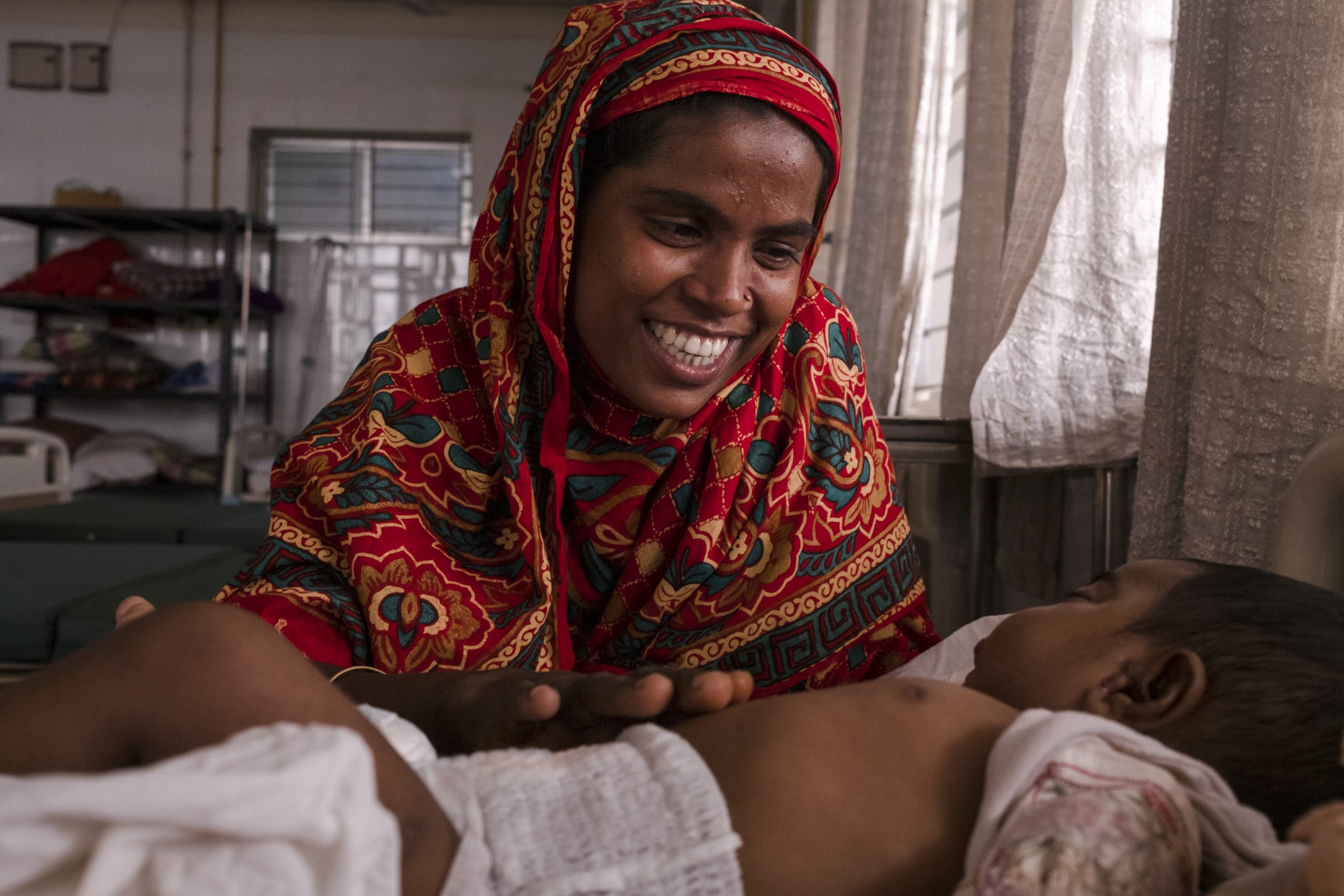
Thank you so much for helping us raise funds for our mission to Gazipur, Bangladesh in 2026! Below you will find instructions for setting up your fundraising page. At the bottom of this page you will also find a few of our favorite photos from Bangladesh, which you can add to your page to make it more dynamic. If you would like more photo options, or have any other questions, just contact us at crowdfunding@allianceforsmiles.org.
How to Set Up Your Fundraising Page
Step 1:
Click “Create Fundraiser Page.”
Step 2:
Enter your name and email address, then click “Create My Page.” This will automatically generate your personal fundraising page.
Step 3:
Check your inbox (and don’t forget your junk or spam folders). You’ll receive two emails from Donor Perfect, our fundraising platform:
– Email With Subject: Support My Fundraising Effort:
- This email is ready to forward to your friends and family.
- Before sharing, consider adding a personal note about why you’re fundraising and how their support will make an impact.
– Email With Subject: Personalize Your Crowdfunding Page:
- Click Personalize My Page. This will open your fundraiser page.
- From there, you can:
- Set or update your fundraising goal
- Change the image (choose one of yourself on a mission or something that resonates with friends and family)
- Edit the text to share why Alliance for Smiles’ mission matters to you, or why the Bangladesh mission is meaningful.
- When finished, click Save and Publish
Step 4:
Stay updated! Each time someone donates, you’ll receive a notification.
Photos from Bangladesh